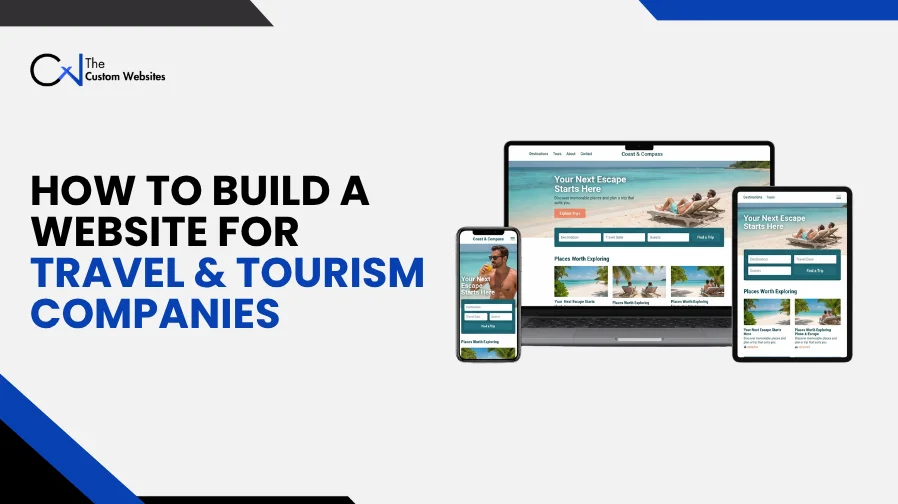
Visitors come to a travel website to explore trips and check the details before deciding what to do next. Travel & Tourism Web Design & Development connects the page design with useful content and booking tools. It also covers the systems your staff use each day. For a travel agency or tour company, the aim is to make trip planning easier.
First, work out how the website needs to fit your business. Some companies take bookings directly. Others need a detailed inquiry before quoting a trip. This guide explains how to build a travel and tourism website around those differences, starting with planning and continuing through ongoing updates.
1. Plan Your Travel and Tourism Website Development
Decide what the website should achieve before looking at software or layouts. Should visitors book a scheduled tour? Do they need to request a custom holiday or speak to a travel consultant?
That decision guides the travel website development process. It also helps you avoid spending money on tools your staff will hardly use.
The setup will differ by business:
Business type | Main website requirement |
Travel agencies | Package search and supplier connections, plus trip inquiries |
Tour operators | Departure dates and capacity limits, with reservation tools |
Destination management companies (DMCs) | Group requests and local services, including custom itineraries |
Travel management companies | Corporate accounts and approval steps, plus reporting |
Tourism boards and destination marketing organizations (DMOs) | Destination guides and maps, with visitor information |
Adventure travel companies | Activity details and fitness requirements, plus safety information |
Inbound and outbound tour operators may target different markets or languages. Hospitality businesses might need room reservations as well as local experiences.
Put the requirements into a short website development brief. Describe the audience and destinations, then explain the booking model. Include staff roles and existing systems. Mark what must be ready at launch and what can wait.
2. Choose Your Travel Booking Website Development Model
Work out what happens to a reservation before starting travel booking website development.
Submitting a request doesn’t mean a traveler has a confirmed place. Make that distinction clear on the website.
Inquiry Based Booking
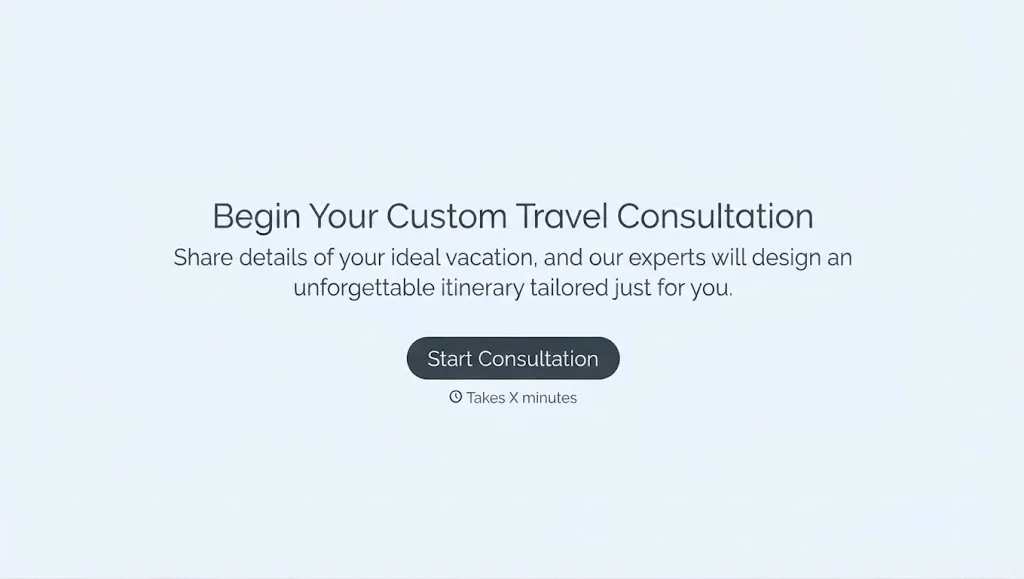
Trips needing a custom quote or supplier approval suit this model. Use travel inquiry forms to collect dates and group size, along with budget and interests.
After submission, explain that your team will review the request before confirming availability and pricing.
Live Online Booking
With an online booking system, customers choose an available departure and complete a reservation. Capacity and pricing must be accurate, with clear payment rules.
Plan how deposits and full payments work. Cover optional extras and cancellation terms too, then decide when confirmation happens and booking confirmation reaches the customer.
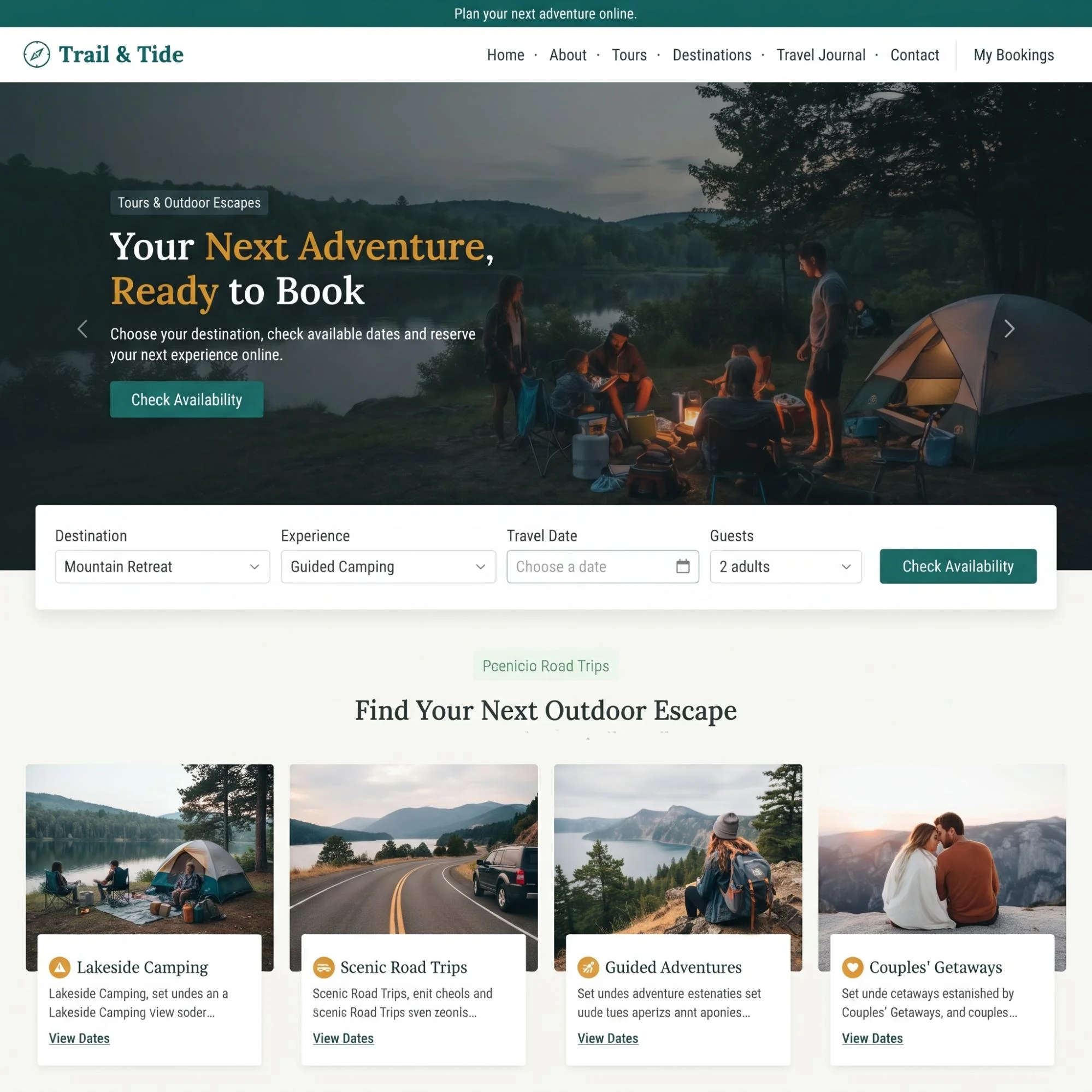
A Combined Booking Model
A company can use both models. Fixed day tours may allow instant booking, while private holidays need an inquiry first.
Use specific buttons. “Book This Tour” and “Request a Custom Trip” make the next step clear.

3. Select Your Travel Website Design and Development Approach
Your booking requirements help determine the best technology stack for travel website development. Budget and existing software matter too. And someone on your team needs to be able to manage the finished site.
Look beyond the initial development bill. Count hosting and licenses, including integration fees. Add maintenance and future changes to the comparison.
Approach | Suitable use | What to check |
WordPress with suitable booking tools | Content focused websites and simpler tour businesses | Plugin compatibility and booking rules, plus responsibility for updates |
Custom development with React or Next.js | Complex search and account features, including booking processes built around specific needs | Development cost and CMS setup, with long term support |
An existing booking platform connected to your website | Businesses already using a reservation system | Branding limits and data access, plus checkout behavior |
HTML and CSS form part of the browser side of many websites, alongside JavaScript. Back-end development might use Node.js or PHP, or another suitable technology. Database management handles records for tours and departures, including reservations.
Ask the developer why their proposed setup fits your operations. Custom travel website development is useful when standard tools can’t meet important requirements. But a straightforward booking process may work well with a simpler setup.

4. Plan Your Travel Agency Website Development Structure
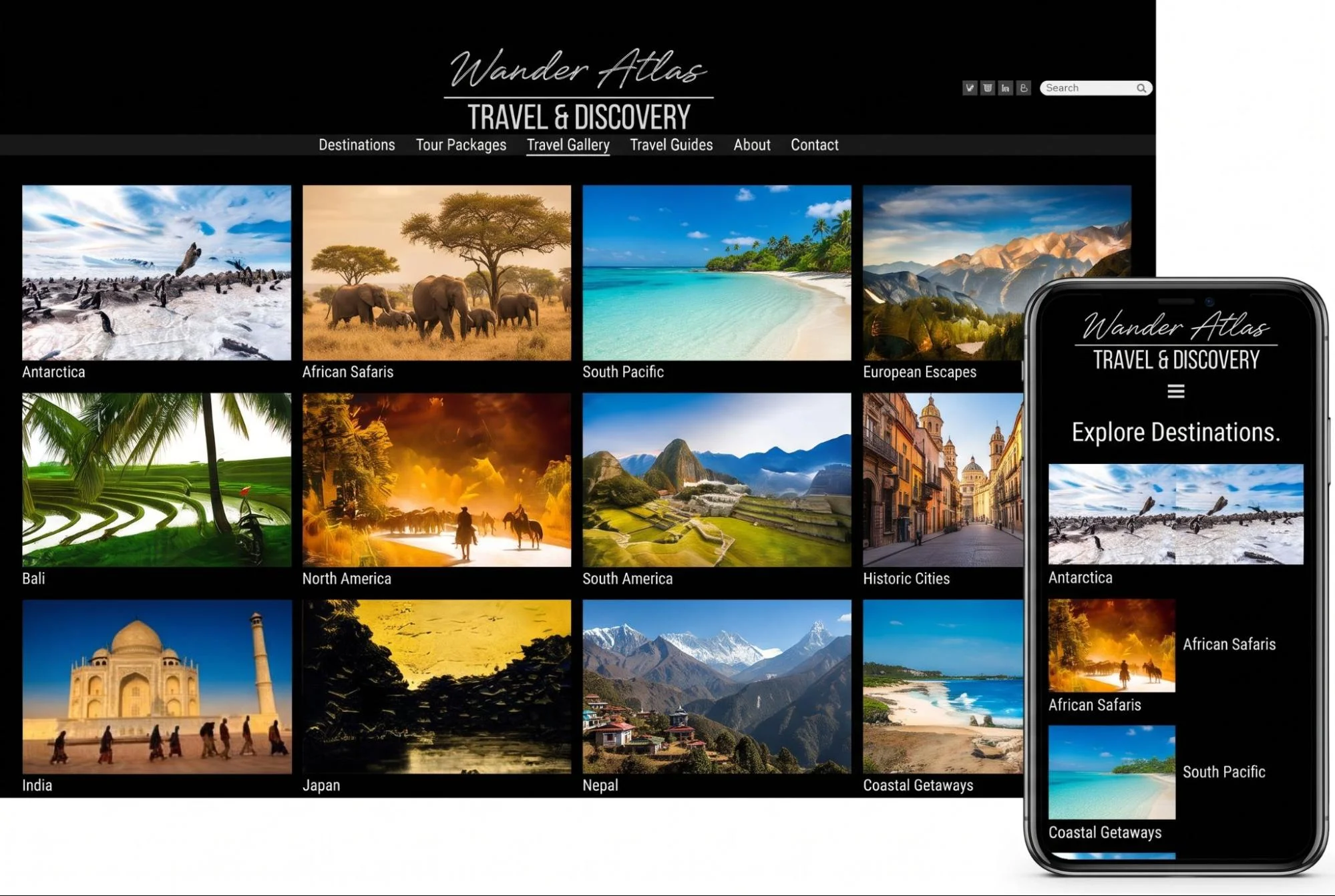
Visitors often start with a broad idea. Good travel website navigation and structure help them narrow that idea into a suitable trip.
Create a sitemap first. Then use website wireframes to check page layouts before moving into detailed design.
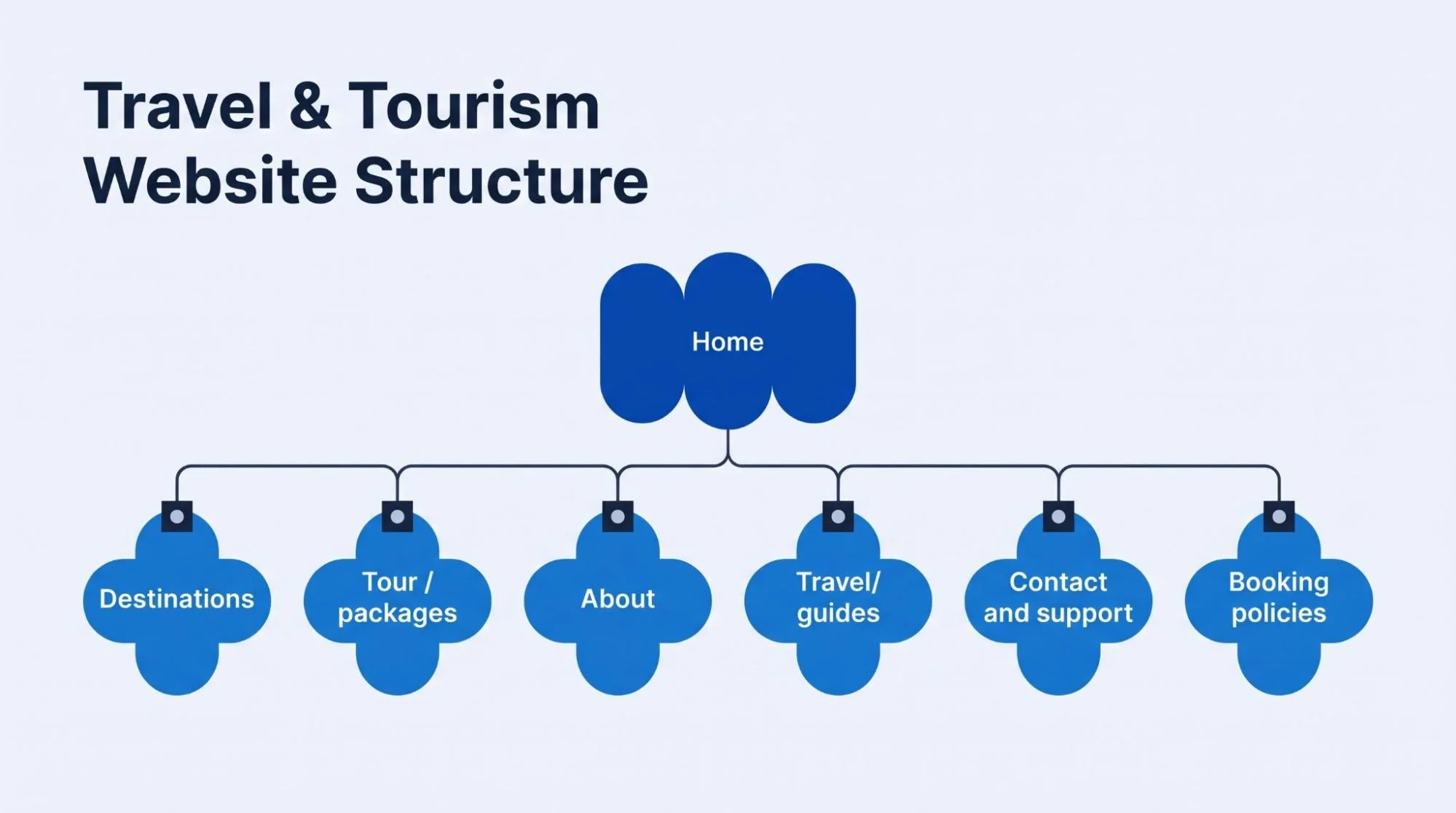
Most travel websites need:
Home: Explain what you offer and where you operate. Make clear who the trips suit.
Destinations: Bring location information and relevant tours together.
Tour packages: Create a detailed page for each bookable experience.
About: Introduce the company and team, including relevant experience.
Travel guides: Answer planning questions connected to your destinations.
Contact and support: Give customers clear ways to ask questions or resolve booking problems.
Booking policies: Set out payment and cancellation conditions, including refunds and other terms.
Choose menu names travelers understand. They shouldn’t have to guess whether a city break belongs under “Experiences” or “Collections.”
Search and filters help when the catalog calls for them. Start by considering the destination and departure date. Duration and price can help too, along with activity type.
For six tours, clear categories may do the job. There’s little reason to make the search more complicated than the catalog.
5. Create Tour Pages That Answer Booking Questions
Photography deserves attention in travel and tourism website design. So do the practical details.
A scenic photo can draw someone in. Before booking, they still need to know what’s included and whether the trip is right for them.
Plan a reusable tour page layout covering:
A clear tour name and destination.
Duration and departure point, with meeting instructions.
A daily itinerary or activity schedule.
Included services and extra costs.
Accommodation and transport details where relevant.
Age limits and activity level, plus accessibility information.
Available dates and travel package pricing.
Cancellation terms and a clear booking or inquiry button.
If you use “from” prices, explain them. Tell customers what changes the amount. Season and room type may affect it, as can group size. Show mandatory charges before anyone commits.
Use original photos where possible. Captions can help explain meeting points or accommodation, including activities.
Keep each page’s role clear in travel website design for tour packages and destinations. The destination page introduces a location. The tour page explains one specific experience.
6. Build Reservation Tools With Custom Travel Website Development
Wondering how to build a tour booking website? Start with the booking rules your staff already use.
Dates are only part of a tour reservation system. It may also need private group rates and child pricing. Pickup choices and shared-resource limits can affect reservations too.
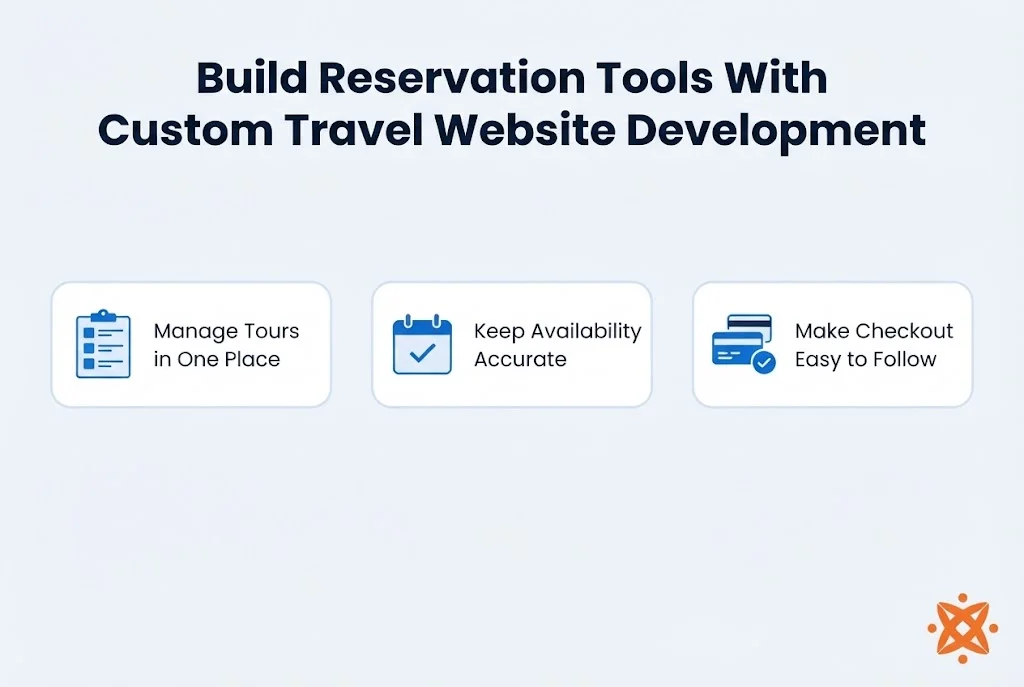
Manage Tours in One Place
Staff should be able to change itineraries and prices through a tour package management system. They also need to manage departure dates and capacity.
Set permissions for content edits and rate changes, including refunds. A travel website content management system should support those roles without giving everyone full access.
Keep Availability Accurate
Choose the inventory source the availability calendar will follow. Establish how website bookings and agent reservations affect shared capacity, including sales through online travel agencies (OTAs).
The developer must account for simultaneous attempts. Two customers shouldn’t both receive confirmation for the last seat.
Make Checkout Easy to Follow
Collect the information needed for the reservation and explain requests that aren’t obvious. Offer guest checkout where practical. Customer account management helps repeat travelers view bookings, but required registration adds a step.
Wishlist and saved trips can help when people need longer to plan. Add them if they solve a real customer need.
7. Connect Payments and Business Systems
Travel website API integration links the site to services holding customer records or bookings, including other business data.
List the connections before integration development starts. Identify the information being exchanged and which system owns it. Decide what should happen when a connection fails.
Payment Gateways
Travel website payment gateway integration needs to support customers’ currencies and payment methods. Define deposit rules and payment deadlines, including refund steps. Let a suitable payment processor handle card details.
Test failed payments and interrupted checkouts, plus delayed updates. Avoid duplicate charges and confirm payment status before recording a reservation as paid.
Booking Suppliers and Maps
Hotel booking integration or flight booking integration may use aggregators or suppliers, including Global Distribution Systems (GDS). Options include Amadeus APIs and Sabre APIs, plus Booking.com connectivity. Check current access requirements and commercial terms, including supported functions. Search access doesn’t necessarily include booking or ticketing.
Google Maps Platform can show destinations and meeting points. Check usage costs and provide written directions too.
CRM and Notifications
Connect a customer relationship management (CRM) system when it helps staff follow up on inquiries. Automated email notifications can acknowledge requests and confirm bookings, including payment reminders. Keep an internal record of what was sent.
Make cancellation and refund management visible to staff. A requested refund needs a different status from a completed one.

8. Prioritize Mobile-Friendly Travel Website Development
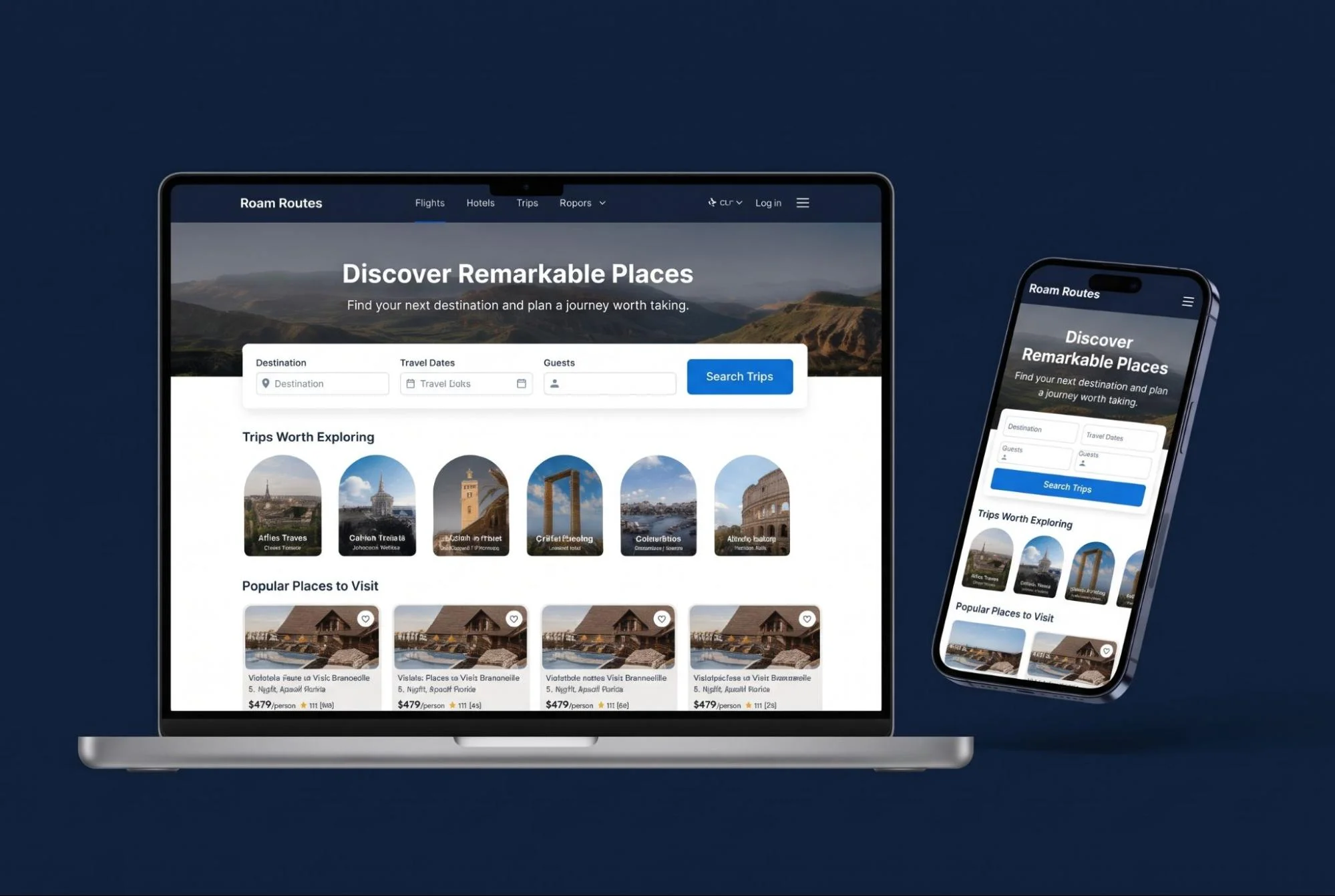
Responsive travel website design needs to work from the first search through to payment. Date selection is part of that too.
Begin with mobile first design. Try the menus and filters on smaller screens, then work through the booking forms.
Give people readable text and clear buttons. Leave enough space between controls. Popups shouldn’t cover prices or get in the way of checkout.
Address travel website accessibility and usability during development. Include keyboard access and visible focus indicators. Check color contrast and write useful image descriptions.
Label form fields clearly. When something goes wrong, explain the error in words and show how to correct it. W3C guidance identifies labels and instructions, along with feedback, as core parts of accessible forms.
Try the date picker with a keyboard and screen reader. A calendar that looks straightforward can still be awkward without a mouse.
9. Support International Travelers
A language switch alone won’t cover travel website development for international customers.
Your international website development plan should account for translated content and currencies. Include date formats and local contact information too.
If you’re asking how to build a multilingual travel website, begin with languages your team can keep updated. Translate tour information and checkout messages. Policies and booking emails need the same attention.
Have someone review important translations. Incorrect pickup instructions can cause real problems. So can a mistake in cancellation terms.
For multi-currency support, state whether displayed prices are estimates or the actual checkout amounts. Show which currency the customer will pay in before payment.
Include time zones where they affect departure times or deadlines. Make support hours clear as well.
10. Make the Website Fast and Secure
Large galleries can slow a travel website. Maps and external booking tools add to the load. Account for them during development.
Travel website performance optimization can use smaller image files and responsive images. Content farther down a page can load later.
Don’t load every map or video immediately. Try important pages on slower mobile connections.
Check Core Web Vitals alongside real tasks. How quickly can someone open a tour page? Can they use filters and complete checkout without delays?
Include HTTPS and secure access controls in travel website security features. Keep software updated and credentials protected. Private API keys belong on the server.
Create website backups and test whether they restore correctly. Set up monitoring so someone gets notified when a booking tool or important integration fails.
Before launch, agree who will handle security issues and development updates.
11. Build Search Visibility Into the Structure
Include search engine optimization (SEO) while planning development. Adding keywords after the build won’t cover the job.
Use clear URLs and useful page titles. Write descriptive headings and give important tour and destination pages accessible internal links.
Travel website SEO friendly development also needs to cover duplicate filter pages. Plan for expired departures and changes to tour URLs.
Prepare an XML sitemap. Check that important pages are available for crawling and indexing. Where appropriate, keep internal search results and private account pages out of public search.
Structured data must accurately describe visible content. Organization and breadcrumb markup may be relevant. Travel related schema markup doesn’t automatically make a page eligible for a Google rich result.
Local agencies should maintain consistent business details and an eligible Google Business Profile.
Use Answer Engine Optimization (AEO) and Generative Engine Optimization (GEO) to support clear, accurate content. Existing SEO fundamentals still apply to Google's AI search features. There’s no requirement for special AI schema.
12. Add AI Where It Helps Travelers
AI powered travel website development can help with routine questions and trip discovery.
Give it a focused task first. A chatbot might explain approved tour details. It could also collect preferences before passing an inquiry to your team.
Use the real catalog for AI powered travel recommendations. An itinerary builder needs to check available activities and allow staff review when necessary.
If the assistant needs current prices or availability, connect it to live systems. Otherwise, send travelers to the booking tool or a staff member for confirmation.
Generative AI can get details wrong. Limit what it can promise about bookings and refunds, including safety advice. Keep a clear route to human support.
Larger platforms with enough useful data may benefit from machine learning or recommendation engines. Predictive analytics may suit them too. Smaller companies may get more value first from accurate search and clear tour pages.
13. Test the Full Booking Journey
Have the development team use the website as both a customer and a staff member before launch.
A homepage check isn’t enough.
Test area | What to verify |
Search | Filters return relevant trips and handle searches with no results |
Availability | Capacity changes and sold out dates appear correctly |
Pricing | Extras and discounts calculate correctly, including deposits and totals |
Payments | Successful or failed payments create the correct records, including interrupted payments |
Notifications | Staff and customers get the correct messages |
Accessibility | Booking controls and forms work without a mouse |
Integrations | Connection failures don’t produce false confirmations |
Staff tools | Authorized users can manage content and bookings |
Backups | The team can restore the website when required |
Run tests in a staging environment. Before accepting customers, remove test bookings and check production settings.
Replacing an existing site? Map old URLs to relevant new pages. At launch, check redirects and analytics, including important search settings.
14. Plan Ongoing Tourism Website Development and Support
Travel website maintenance and support need to cover backups and software updates. Include content changes and integration checks too.
Assign responsibility for reviewing prices and seasonal availability. Meeting instructions need checking as well. Even working software can create problems when it shows outdated information.
Use website analytics to measure inquiries and checkout starts. Track completed bookings and booking abandonment too. Exclude duplicate and test transactions from reports.
Look for points where visitors struggle. A low booking conversion rate could indicate unclear pricing or missing details. It might also come from a broken form.
If you’re working out how to build a scalable travel booking platform, revisit database capacity as demand increases. Review supplier limits and the team’s support workload too. Business scalability also depends on what happens behind the website.
Build a Travel Website Around Your Customers
Visitors need clear trip information. Your team needs a practical way to handle reservations and inquiries. A modern travel website should serve both.
Write the requirements first. Select development tools around the booking process, then test the full customer experience before launch. Keep improving it using real customer feedback.
The Custom Websites offers custom design and responsive layouts for travel businesses. Services include destination and tour pages, along with reservation features and payment integration. Share your website goals and current booking process with the team to discuss what your project needs.